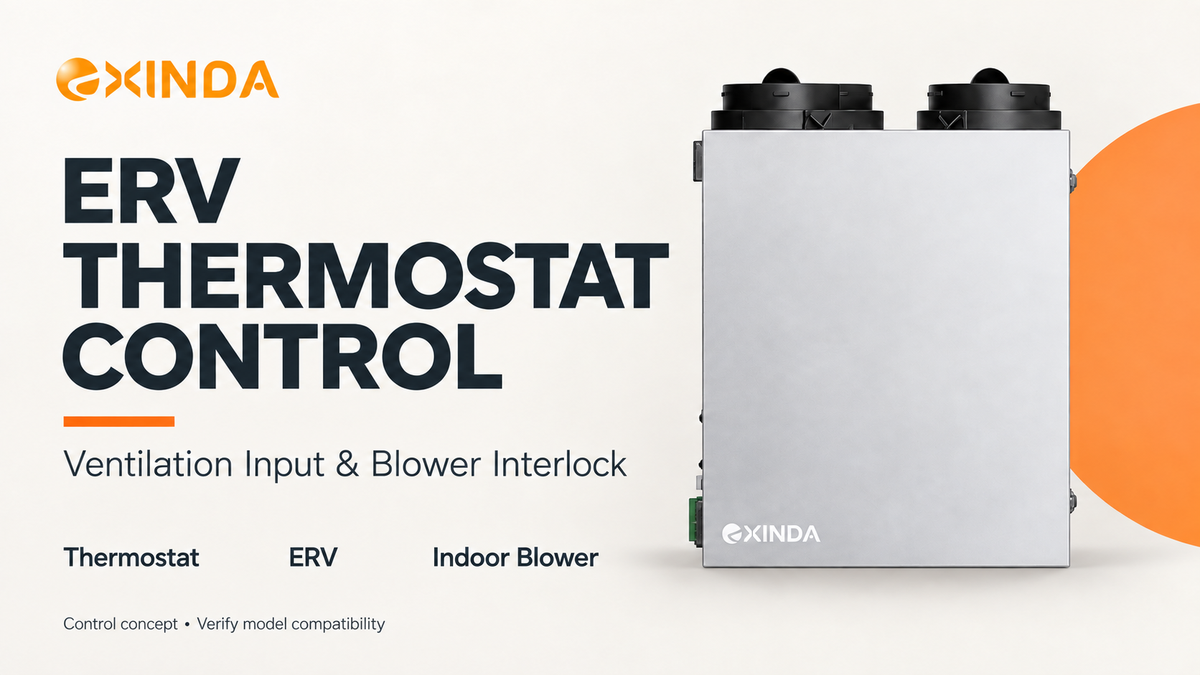
ERV thermostat control starts with a compatibility check: does the thermostat’s ventilation output match the ERV’s external control input?
A terminal labelled “ERV” does not answer that question on its own. Before selecting or connecting equipment, confirm the signal type, the ventilation mode it requests and what happens when the request ends.
For contractors integrating an ERV with a residential HVAC system in the United States or Canada, these checks help define the control arrangement before installation.
Match the Output to the Input
Check the documentation for both devices. A thermostat may provide a powered ventilation output or a dry contact. The ERV must accept the specified interface.
Where the ERV requires a 24V AC input, confirm the complete connection, including the required reference or common. Do not apply voltage to an input intended only for a contact closure.
| Check before connecting | Information needed |
|---|---|
| Thermostat output | Powered output or dry contact, with its electrical rating |
| ERV input | Accepted signal type and required connections |
| Power source | Transformer arrangement and any required isolation |
| Equipment version | Applicable model, control board and wiring-document revision |
An incomplete sketch can communicate the intended sequence, but it cannot replace the model-specific wiring instructions.
Define What the Ventilation Request Does
Agree on the operating response before wiring.
Does the thermostat enable the ERV at its normal ventilation setting, select a fixed speed or request boost? Those are different functions. An external enable input should not be assumed to provide speed selection.
Also establish whether the thermostat schedules ventilation or simply enables it while another controller determines the operating rate.
This gives the installer a clear result to check: when this input becomes active, the ERV should enter this documented mode.
Keep Timers and Other Controls Working
Adding thermostat control should include a review of existing ventilation controls.
For example, a timer may still be active when the thermostat ends its ventilation request. The control sequence must define whether ventilation continues and which setting takes priority.
| Request condition | Question to resolve |
|---|---|
| Thermostat only | Which ventilation setting applies? |
| Timer only | Can the timer start ventilation independently? |
| Both active | Which request determines operation and speed? |
| One request ends | Does the remaining request continue correctly? |
| All requests end | Does ventilation stop or complete a documented delay? |
Use the selected ERV’s supported logic to answer these questions. Do not assume that every external input has the same priority as the wall controller.
Verify That the Request Can End
Startup is only half of the control check.
Activate each input separately, test overlapping requests and then remove them. Confirm that the ERV follows the intended stop sequence and does not remain enabled through an unintended feedback path.
The associated blower request must also release according to the documented sequence, while allowing any continuing heating or cooling demand to operate normally.
For the separate blower-output function, see ERV Interlock: How EXINDA Starts the HVAC Blower.
Review the Controls Before Ordering
When requesting an EXINDA ERV controls review, provide:
- The proposed ERV and thermostat models.
- The thermostat’s ventilation-output specification.
- The required normal and boost operation.
- Any timers or other controls that must remain active.
EXINDA can review the proposed arrangement and identify the applicable documents and items requiring engineering confirmation. Confirm the input function for the selected configuration before treating thermostat compatibility as part of the equipment specification.